How should a food and beverage distributor plan truck routes?
Short answer
Work backward from each customer’s receiving window and forward from what each truck can carry: windows first, capacity second, then the order of stops. Good planning software checks both limits for every truck at once, starts each shift at the right time and shows which stops did not fit. Afi Planner plans a whole day of trucks in one run, using your own windows, weights, volumes, skills and shifts.
How it works in Afi Planner
The dock decides the route
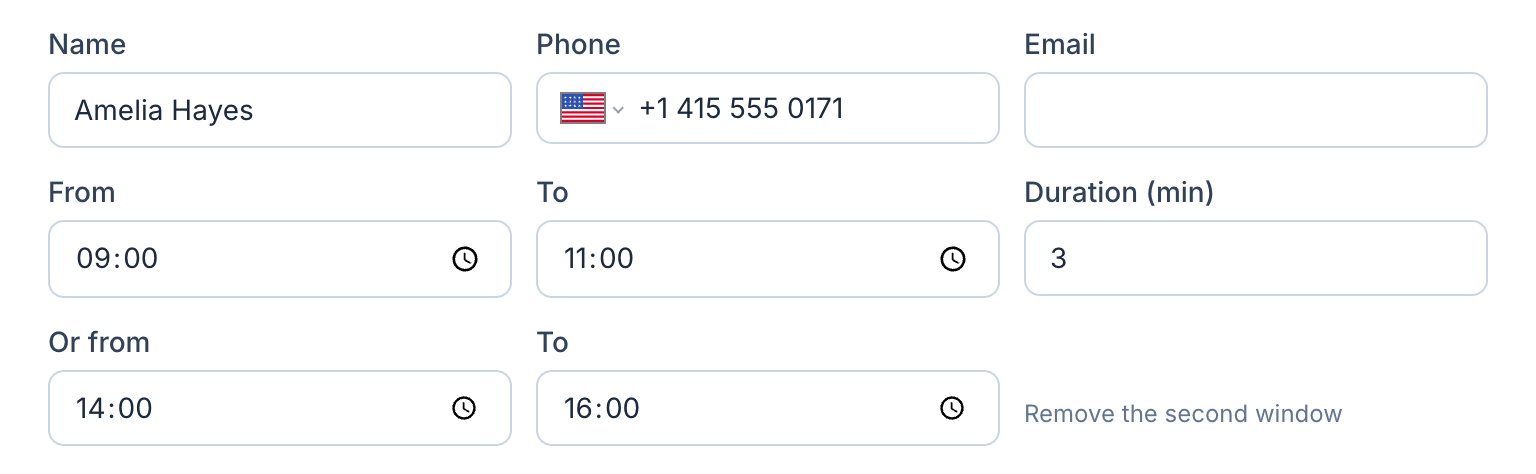
A courier mostly worries about drive time; a distributor worries about the dock. A restaurant takes deliveries before the lunch rush, a store receives while its staff is on the floor, and a missed window means the driver waits or the product comes back on the truck. Four constraints decide the route, roughly in this order.
- Receiving windows: one or two per customer, often narrow and early. Start from the tightest ones, not from the map
- Load limits in pounds and cubic feet: cases of water hit the weight limit first, chips the space limit first, so the limit that is closer is the real capacity of that route
- Truck and driver skills such as a liftgate, pallet jack or refrigerated body, matched to stops before routing, not when the driver calls
- Shifts: early starts, split shifts and breaks, so a 5 a.m. truck and a 7 a.m. truck cover different customers; enter a service time per stop instead of assuming five minutes everywhere
What Afi Planner covers for the distributor day
Afi Planner is route planning and delivery management software for local delivery teams, made by Afi Labs. Plan the day before, review the stops that did not fit, and send routes to drivers before they leave.
- It plans every driver in one run with your windows, capacity, skills and shifts; the answer on planning routes for multiple drivers lists every rule
- Vehicle and order capacity in packages, weight and volume, together, with lb, ft³ and miles for US companies
- A weekly shift grid with split shifts, up to four breaks per shift and time off
- Orders from Excel: paste from Excel or Sheets or drop an .xlsx or CSV file; an order imported twice is updated, not duplicated
- A stop that does not fit stays off the routes with a plain-English reason, so you widen a window or add a truck instead of finding out at the dock
- Photo, signature, recipient name or barcode scan at the door in the Afi Driver app, which works offline; the tracking page gives the receiving staff a live ETA
What it does not do yet
Be straight about this with your own team. Standing orders can repeat: set “Delivers every…” on a customer (chosen weekdays, every few weeks, or a day of the month) and the orders are created 14 days ahead, or use “Copy stops from another day” to bring last week’s list forward. There are no ERP or accounting connectors and no Shopify or Zapier app: orders arrive by paste, file or the public API (batches of up to 1,000 orders), with signed webhooks going out. Paid plans are quoted by fleet size and there is no published price yet. A good test on the free trial is to take last Tuesday’s orders, import them onto an upcoming day (rows dated in the past can be put on the day you are planning), plan them, and compare windows hit, total miles and unplaced stops with what actually happened.
Try it in the live demo
A fictional delivery company in the middle of its day. Read-only, no sign-up.
Open the live demo →Feature
Route optimization
Optimize delivery routes for your whole fleet in seconds: time windows, capacity, shifts, breaks and skills, with every unassigned stop explained.
4 steps · 6 min read
Drivers, vehicles, shifts and breaks
Frequently asked questions
Can it plan around restaurant receiving windows?
Yes. Each order can have one or two delivery windows, and the plan treats them as limits unless you allow late stops in the planning setup.
Does it handle weight and volume limits?
Yes. Capacity can be set in packages, weight and volume, together.
Can I plan recurring weekly routes?
The orders can repeat: set “Delivers every…” on a customer and they are created 14 days ahead, or copy a whole day with “Copy stops from another day”. The routes are planned again each day.
Can my early-morning drivers start at different times?
Yes. Shifts are set per driver in a weekly schedule, including split shifts and up to four breaks.
Does it connect to my ordering or accounting system?
Not through ready-made connectors yet. There is a public REST API and signed webhooks, available on the free trial too.
More answers
- How do I add new orders after my drivers have already left?
- How can I see exactly what happened on a delivery day, minute by minute?
- Is there one list of everything a dispatcher needs to act on during the day?
- Can my customers track their delivery with a live ETA and see proof of delivery?
- Does the driver app work without a signal?
- How do I import delivery orders from Excel or CSV without mixing up the dates?
- Does Afi Planner have an API with webhooks?
- How do I plan delivery routes for multiple drivers?
- How do I calculate cost per delivery stop?
- Why was a stop left off my routes? Reading unassigned-stop reasons
- What route planning software works for a courier company?
- How do I replace spreadsheet route planning? A 1-day switch plan
- How can I reduce delivery costs? A dispatcher’s checklist
- How many stops per hour should a delivery driver make? And how to measure it
- Route planner vs route optimization software: what is the difference?
- What route software supports recurring weekly deliveries to the same customers?
Plan tomorrow’s routes in minutes
Start your free 3-month trial. No credit card, no setup call, no installation.